You’re in the
driver’s seat.
Explore what keeps you scrolling, choose a small change, and find something offline that feels like you.

Big ideas. Great friends. Things you haven’t tried yet. We help young people build screen habits that leave room for it all.
For students in grades 4–9, and the adults cheering them on.
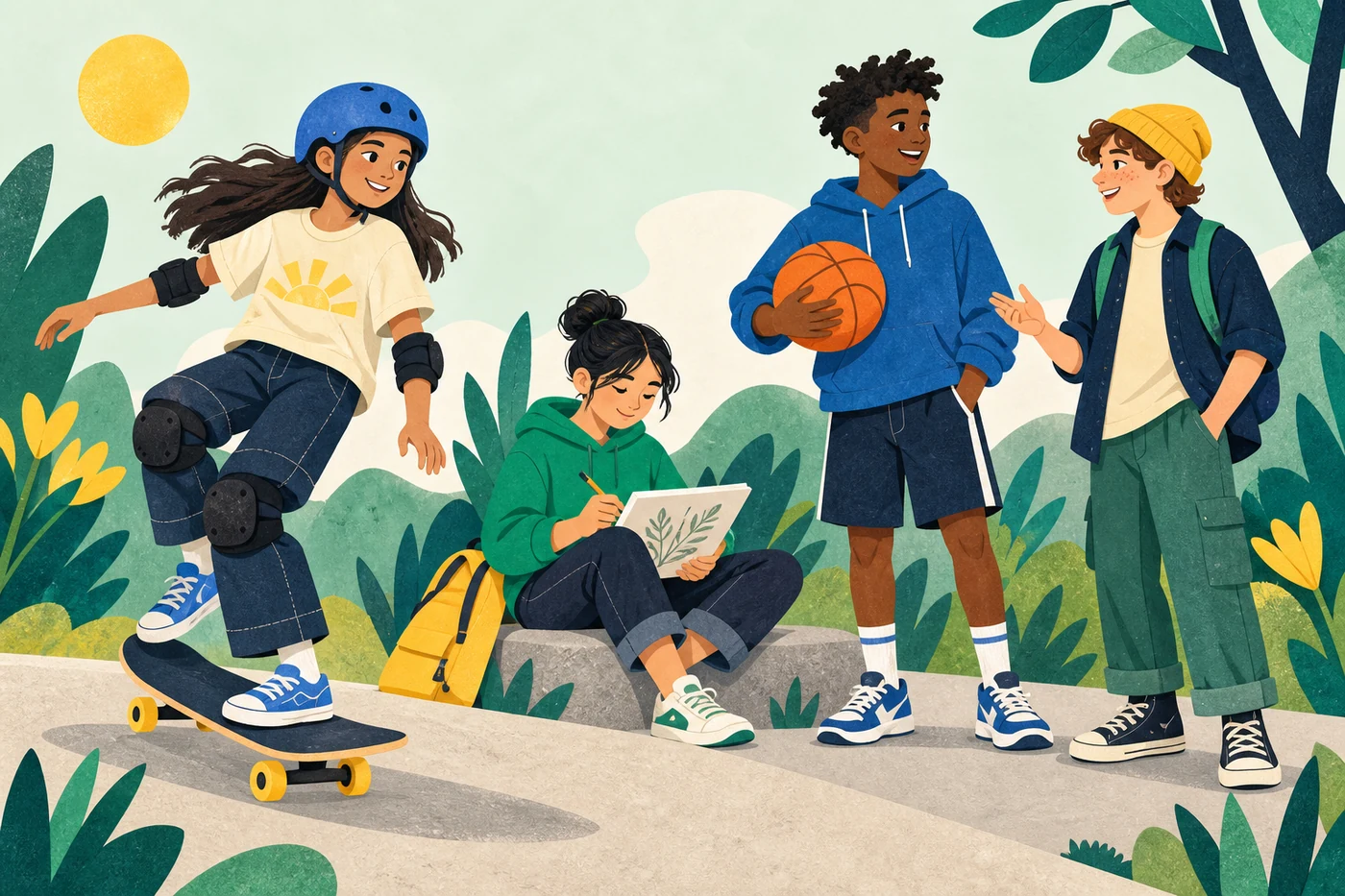
Everyone has a part to play in a healthier digital life.
Explore what keeps you scrolling, choose a small change, and find something offline that feels like you.
Find practical ways to talk about screens, set shared expectations, and support your child.
Use ready-to-print activities to help students think about attention, habits, and everyday choices.
Technology can help us learn, create, and connect. Screenleaders is about noticing when scrolling takes over—and practising how to choose what comes next.
Which parts of screen time feel worthwhile? Which ones leave you wishing you’d done something else?
Decide on a stopping point before you start, or make one part of your day a time for something else.
Draw, play, make something, or catch up with someone. Keep the things you want more of in view.
Simple resources for home, school, and the week ahead.
A little creativity, connection, and movement. Try one idea each day and notice what you enjoy.
A conversation you can put on paper. Make a plan that includes children and adults.
A 20-minute classroom activity about autoplay, notifications, and making your own choices.
We’re getting started. Parents, educators, and community groups: we’d love to hear what would help your young people.